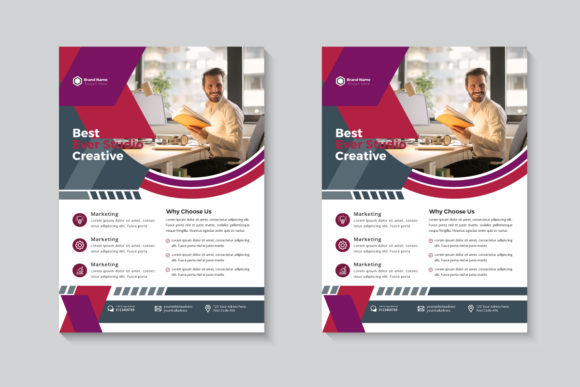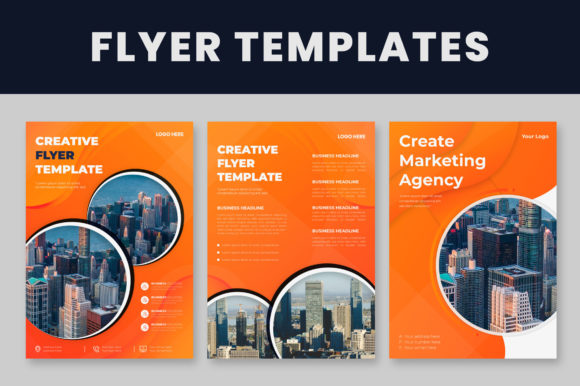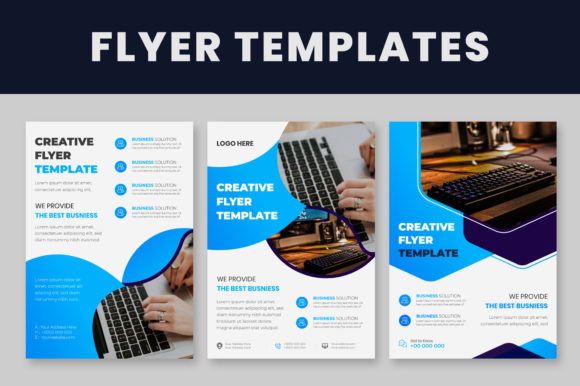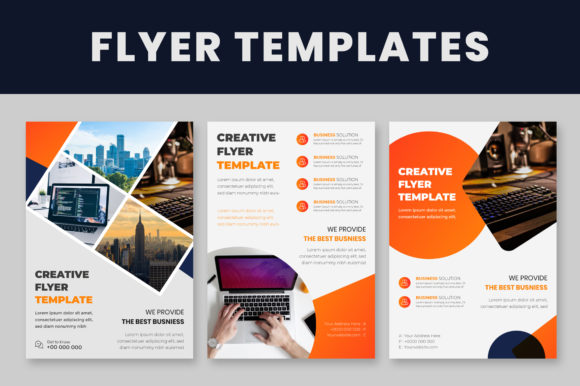
Corporate Flyer Templates: A Designer's Toolkit for Impact
In the fast-paced world of business marketing, a well-designed flyer remains a powerful tool for communication. Whether announcing a new service, promoting an event, or establishing brand presence at a trade show, the physical or digital piece needs to command attention instantly. This is where high-quality Corporate Flyer Templates become indispensable, particularly for entrepreneurs, small business owners, and marketing professionals who need to produce polished collateral without starting from a blank canvas.
Understanding the Anatomy of a Professional Template
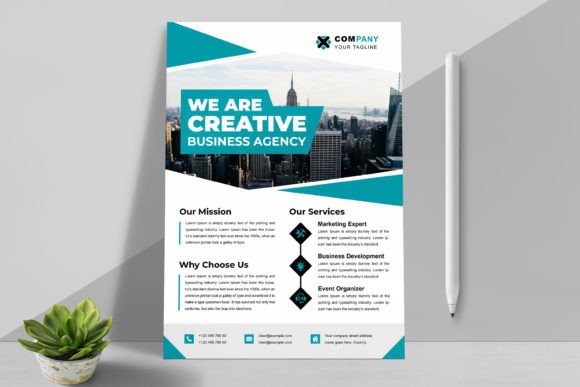
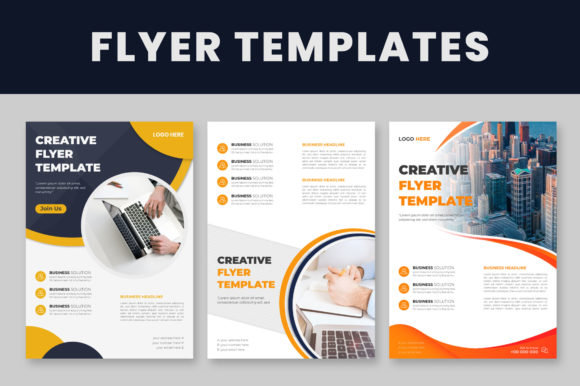
The true value of a template lies in its technical foundation and flexibility. When working with a system like the Corporate Flyer Templates package, you are dealing with a structured environment designed for efficiency. The inclusion of multiple files, specifically in EPS Illustrator format, ensures compatibility with industry-standard software. These assets are typically built with well-organized layers, which is crucial for a smooth workflow. Instead of digging through a mess of ungrouped elements, you can isolate specific sections, such as the header, footer, or content blocks, allowing for precise control over the layout.
A significant feature often overlooked by beginners is the document sizing. These templates are set to A4 size, the international standard for business documents. This ensures that whether you are printing locally or sending files to a professional press, the dimensions are correct, preventing unexpected cropping or scaling issues. The "100% editable" nature of these files means you are not just filling in blanks; you are manipulating vector graphics. This is vital for maintaining high-quality output, as vector elements can be scaled infinitely without pixelation, ensuring your logo and graphical accents look sharp on both a business card and a billboard.
Strategic Customization: Beyond Swapping Text
Effective use of Corporate Flyer Templates goes deeper than simply typing in your company name. To truly own the design, you must engage with the visual hierarchy. The templates are built with a specific rhythm and flow, guiding the viewer's eye from the headline to the call to action. When you approach the file in Adobe Illustrator, you have the opportunity to adjust this flow to match your specific message.
Consider the logo design placement first. A common mistake is forcing a logo into a space that doesn't fit its aspect ratio. Because these templates are vector-based, you can often adjust the surrounding negative space to ensure your brand mark breathes. Similarly, the typeface choices included in the template are curated to work together harmoniously. However, if your brand identity relies on a specific premium font or a distinct sans serif font, you can swap these out. The key is to maintain the visual weight established by the template's original design. If the template uses a bold, heavy header, replacing it with a thin, delicate script might break the layout's balance.
Color Theory and Brand Consistency
Color is the fastest way to align a template with your brand identity. The organized layer structure of these files makes recoloring intuitive. You aren't painting over pixels; you are changing the fill and stroke values of vector shapes. This allows for rapid experimentation with modern typography trends, such as duotone effects or gradient overlays, which are easily applied in Illustrator.
When selecting your palette, consider the psychology of your industry. Corporate environments often gravitate towards blues and greys to convey trust and stability, while creative agencies might utilize vibrant neons. The benefit of a vector template is the ability to use the "Select Same" feature in Illustrator to change all instances of a specific color at once. This ensures consistency across the flyer, reinforcing your brand identity and making the piece look like a custom-designed asset rather than a generic download.
Practical Applications Across Industries
The versatility of these design assets extends to a wide range of professionals. For entrepreneurs and small business owners, these templates provide a cost-effective way to compete with larger corporations that have in-house design teams. A sleek, professional flyer can level the playing field during pitch meetings or networking events.
Marketers and content creators can use these templates for rapid deployment. When a sudden opportunity arises to sponsor an event or launch a flash sale, waiting weeks for a custom design isn't feasible. Having a library of Corporate Flyer Templates allows for quick turnarounds on print and digital assets. Furthermore, bloggers and publishers can adapt these layouts for media kits or rate cards, presenting their statistics and services in a clean, digestible format that brands will take seriously.
Technical Considerations for a Polished Finish
While the templates handle the heavy lifting of layout and composition, the final polish comes from attention to detail. One critical step often mentioned in the documentation is the use of free fonts. To ensure the file renders correctly on your machine, you must install these recommended fonts before opening the AI or EPS file. If you skip this step, Illustrator will prompt you to locate the fonts, and the text may reflow, disrupting the careful spacing established by the designer.
Additionally, while the templates provide the structure, the image not included caveat is important. The success of the flyer often hinges on the photography you choose. High-resolution images are non-negotiable. Even within a vector environment, placed raster images must be high-DPI (dots per inch) to avoid looking muddy when printed. Pairing crisp photography with the clean lines of the template creates a professional aesthetic that builds trust with your audience.
Evaluating Fit and Long-Term Value
When selecting a template, evaluate it based on your content density. Does your message require long paragraphs of text, or is it visual-heavy? Choose a layout that accommodates your needs without requiring a complete structural overhaul. A good Corporate Flyer Template should feel like a helpful starting point, not a rigid cage. By leveraging the organized layers and scalable vectors, you create a robust piece of marketing collateral that effectively communicates your message and elevates your brand's perceived value.